

30-minutters vårreset for skrivebordet ditt: en steg-for-steg-sjekkliste for en ren og minimalistisk arbeidsplass
Kast bort ditt gamle, uinspirerende, utslitte skrivebord og
konfigurer ditt nye ErgoHide skrivebord i dag.
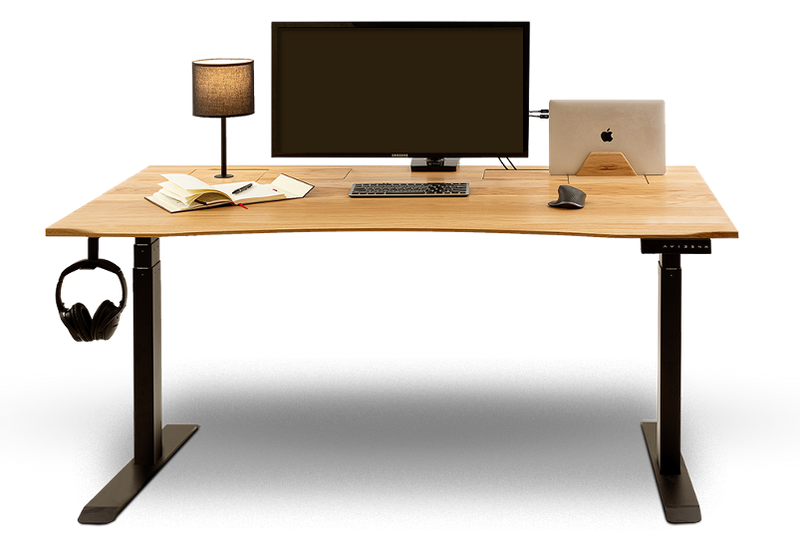
Det tar bare 30 minutter å gi skrivebordsoppsettet ditt en full reset.
En full skrivebordsreset tar bare 30 minutter, så sett på favorittspillelisten din, finn frem en klut, og la oss få oppsettet ditt skikkelig ryddet opp.
De første fem minuttene:
- Fjern alt fra skrivebordet (fjern alt rotet fra skrivebordet ditt)
- Legg tingene i en haug i nærheten og ikke organiser dem ennå; bare rydd området.

- Ikke tenk for mye på det. Sett på favorittspillelisten din (musikk hjelper mer enn du tror), og sett i gang.
- Fjern alt: skjermer, laptoper, tastaturer, kabler, dekorasjoner, absolutt alt.
- Ikke sorter eller organiser noe ennå, fordi målet akkurat nå bare er å tømme overflaten slik at du kan rengjøre alt ordentlig.
Grunnen til dette er enkel: når skrivebordet ditt er helt tomt, kan du tydelig se hvor mye plass du faktisk har, og du bryter vanen med å jobbe rundt rot og kaos. Det handler om å nullstille oppsettet ditt helt og se hvor mye støv og skitt skrivebordet ditt faktisk har samlet opp.
De neste 5 til 15 minuttene:
Nå som skrivebordet ditt er ryddet, bruk noen minutter på å rengjøre det ordentlig. Tørk grundig over skrivebordet, både overflaten, kantene og undersiden hvis nødvendig. Du kan også bruke en støvkost for områder som er vanskelige å komme til.
⚠️Husk å unngå slipende materialer eller sterke kjemikalier som kan skade treverket. Hvis du søler eller får flekker, bør du rengjøre dem raskt med en lett fuktig klut og en mild trerens. En myk klut fungerer ærlig talt best.
Hvis du har sølt drikke og det har blitt merker, rengjør dem med en gang ved hjelp av en lett fuktig klut og en mild trerens. Å ta små flekker tidlig hindrer dem i å bli permanente. Og ærlig talt, bordbrikker er din beste venn, eller enda bedre, skaff deg en koppholder, fordi vi alle vet at kaffe er en del av hjemmekontor-oppsettet. Du kan se den her: Koppholder

Du kan også finne mer informasjon om vedlikehold av bordet ditt her: Vedlikehold og stell av ErgoHide-pulten din: Tips for lang levetid og ytelse
Hvis skrivebordet ditt noen gang trenger å oljes på nytt, husk at dette tar litt lengre tid enn 30 minutter, siden oljen trenger nok tid til å tørke ordentlig. Oljen vi bruker er: Osmo Oil 3062 Clear Matt
Rengjør tastaturet, musen og skjermen din. Dette er noe som bør gjøres fra tid til annen. For musen din kan du enkelt bruke trykkluft på sprayboks. Det er en av de små tingene som faktisk gjør en stor forskjell. Bruk trykkluft for å blåse bort støv og smuler, og tørk raskt over alt slik at det føles friskt igjen. Det tar ikke lang tid, men det får arbeidsplassen din til å føles merkbart bedre.
De neste 15 til 20 minuttene: Sorter alt i 3 grupper
Nå som skrivebordet ditt er rent, bruk litt tid på å gå gjennom alt du fjernet tidligere. Gi slipp på tingene du ikke trenger lenger.
Behold: Dette er tingene du bruker hver dag, det viktigste utstyret ditt. Datamaskin, laptop, mus, tastatur, notatbok, penn, kanskje en lader. Sett bare tilbake det som faktisk hører hjemme på skrivebordet ditt til daglig. (Prøv å bare beholde det som virkelig støtter den daglige arbeidsflyten din)
Oppbevar: Dette er ting du bruker av og til, men ikke hele tiden. I stedet for å la dem ligge på skrivebordet, oppbevar dem i nærheten slik at de fortsatt er enkle å finne når du trenger dem.
Gode løsninger til dette er produktene nedenfor. Dette holder arbeidsplassen din ryddig samtidig som den fortsatt er praktisk.


Legg bort: Gamle papirer, tilfeldige gjenstander, ubrukte kabler og duplikater. Rot hjelper deg ikke med å fokusere, det skaper bare mer støy. Flytt disse tingene et annet sted eller vurder å kvitte deg med dem.
De neste 20 til 25 minuttene: Sett bare tilbake det viktigste
Fokuser på skrivebordet ditt og sett bare tilbake det du faktisk trenger hver dag.
- Laptop/skjerm/nettbrett (hvis nødvendig), og du kan til og med plassere dem på et av våre tilbehør: Laptop stativ

- Musen og tastaturet ditt, eller oppbevar dem på tastaturhyllen vår. Du kan til og med plassere et pianotastatur der også. Du kan se den her: Tre-tastaturhylle

- Én eller to personlige gjenstander er mer enn nok, spesielt hvis du elsker musikk eller jobben din innebærer lydutstyr som keyboard eller høyttalere, fordi færre ting på skrivebordet betyr færre distraksjoner. Du kan også bruke et høyttalerstativ for å holde høyttalerne organisert og frigjøre plass på skrivebordet. Du finner det her: Flytende høyttalerstativer

Ordne kablene dine i løpet av de siste 5 minuttene
Det er ærlig talt ganske stressende når kablene ikke er godt organisert, er fulle av støv og kanskje til og med kan føre til en ulykke.
- Sorter dem i grupper: for internett, for skjermen, for PC-en din.
- Bruk kabelklips eller strips hvis du har det.
- Og skjul dem med vårt Kabelhåndteringsenhet

Hvis du vil at oppsettet ditt skal fortsette å se slik ut, hjelper det virkelig med en rask opprydding på 2 til 3 minutter hver dag. Det holder arbeidsplassen din ren, organisert og klar til bruk hver eneste dag.
For flere tips kan du også lese denne bloggen: 3 grunner til at et ryddig skrivebord gjør deg mer produktiv
Kast bort ditt gamle, uinspirerende, utslitte skrivebord og
konfigurer ditt nye ErgoHide skrivebord i dag.
Vil du vite hvorfor? Fordi med ErgoHide kan du:
Vil endre måten du jobber på: Unik kabelhåndteringsløsning for et ryddig rom og unike tilbehør som vil reflektere din personlige stil.
Vil forvandle kontoret ditt til et rom for inspirasjon og skjønnhet: Hvert ErgoHide skrivebord er laget av sertifisert og lokalt skaffet massiv eik eller valnøtt. Hver bordplate er håndoljet og personlig inspisert før sending, noe som sikrer langvarig holdbarhet, tidløs stil og den naturlige skjønnheten i treet.
Vil støtte et lokalt EU-selskap og vår bærekraftmisjon: Lær mer på vår Om oss side, men kort sagt – vi har en praktisk tilnærming til bærekraft. For hvert 100 solgte skrivebord planter vi et tre for å hjelpe til med å fornye de naturlige ressursene vi bruker.
Du er alltid på den sikre siden med oss: Vår 180-dagers pengene-tilbake-garanti gjelder selv for spesialtilpassede skrivebord og spesielle forespørselen, noe som gir deg god tid til å teste ErgoHide skrivebordet før du tar en endelig beslutning. Velg din ideelle oppsett og dra nytte av GRATIS levering – klikk her for å begynne å konfigurere ditt nye ErgoHide skrivebord nå!

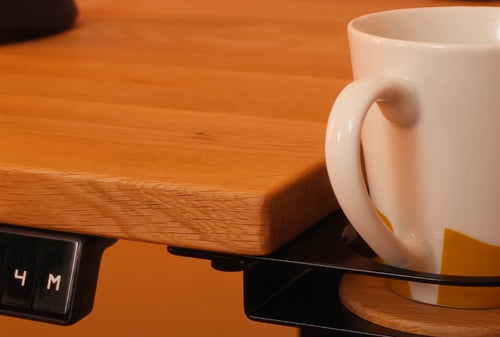 Ekte tre
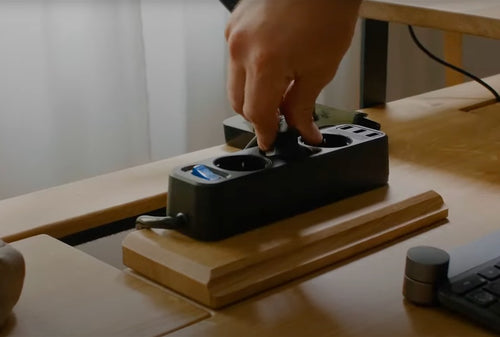 Kabelhåndtering
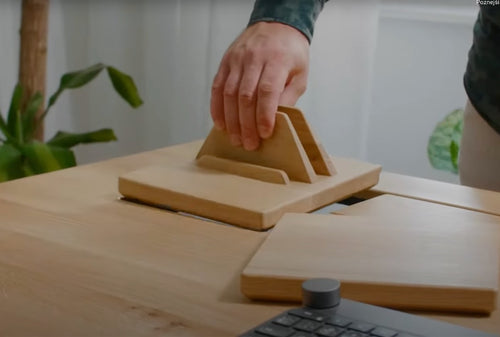 Tilbehør
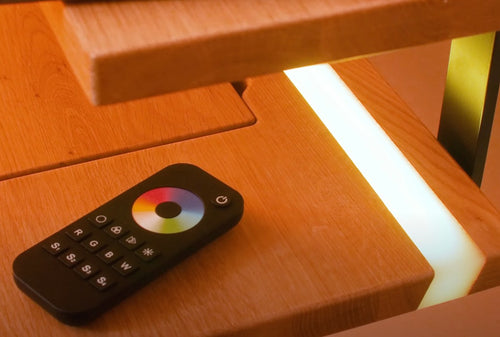 Epoxy LED